Article
AI Client Reporting Dashboard vs Manual Stacks

Your reporting stack is eating 20 to 40 hours every month per client. A spreadsheet here, a Looker Studio dashboard there, a manual connector that breaks after platform updates, and suddenly you’re rebuilding reports instead of running your agency.
Most marketing agencies built their reporting systems in pieces. Looker Studio for display, Google Sheets for calculations, maybe an old integration tool that only half-works. It felt efficient in year one. By year two or three, it’s become a time sink that scales with every new client you win.

An AI client reporting dashboard changes that equation. But the term gets used loosely. Some vendors are still just putting a chat interface on top of a traditional dashboard builder. Real automation looks different: fresh data without manual pulls, insights generated without human review, client portals that update overnight, no handwork between report runs.
The question agencies face now isn’t whether to move to an automated marketing dashboard. It’s whether your current manual stack can keep pace with your growth, or whether you’re about to hit a wall.
The Hidden Cost of Manual Report Stacks
You’re probably not adding up the real hours. A Looker Studio setup requires someone to build the initial dashboard. When a client asks for a new metric, you adjust. When Google changes an API (and they do), something breaks and you fix it. That’s not one hour a month. That’s five to eight per client, per month, easily.
Spreadsheets make it worse. Someone exports data weekly or monthly. They paste it into a sheet. They create formulas that break when column order changes. They email it to the client. The client asks for a slightly different view. You duplicate the sheet, adjust the formulas, and send it again.
Legacy connector tools (the ones agencies were promised would “just work”) often require manual intervention to re-authenticate. Platforms deprecate endpoints. You spend a Tuesday morning rebuilding connections instead of doing billable work.
Most agencies don’t count this time because it’s fragmented. It’s not one person’s job. It’s your account manager spending an hour here, your analyst an hour there, your operations person on a Friday afternoon. Add it up across six clients and you’ve lost a full week of focus work.
Data accuracy suffers in this environment. Manual pulls introduce copy-paste errors. Spreadsheet formulas drift out of sync. Looker Studio dashboards built ad-hoc don’t have source-of-truth discipline. By the time your client sees the report, the data is three days old. If they ask a follow-up question on day five, you’re pulling new numbers and contradicting what you already sent.
Client retention feels the impact too. Clients don’t care how hard you worked on their report. They care whether they trust the numbers, whether the dashboard is current, and whether they see clear ROI. A manual stack makes that harder to prove at scale.
How AI Client Reporting Dashboards Work Differently
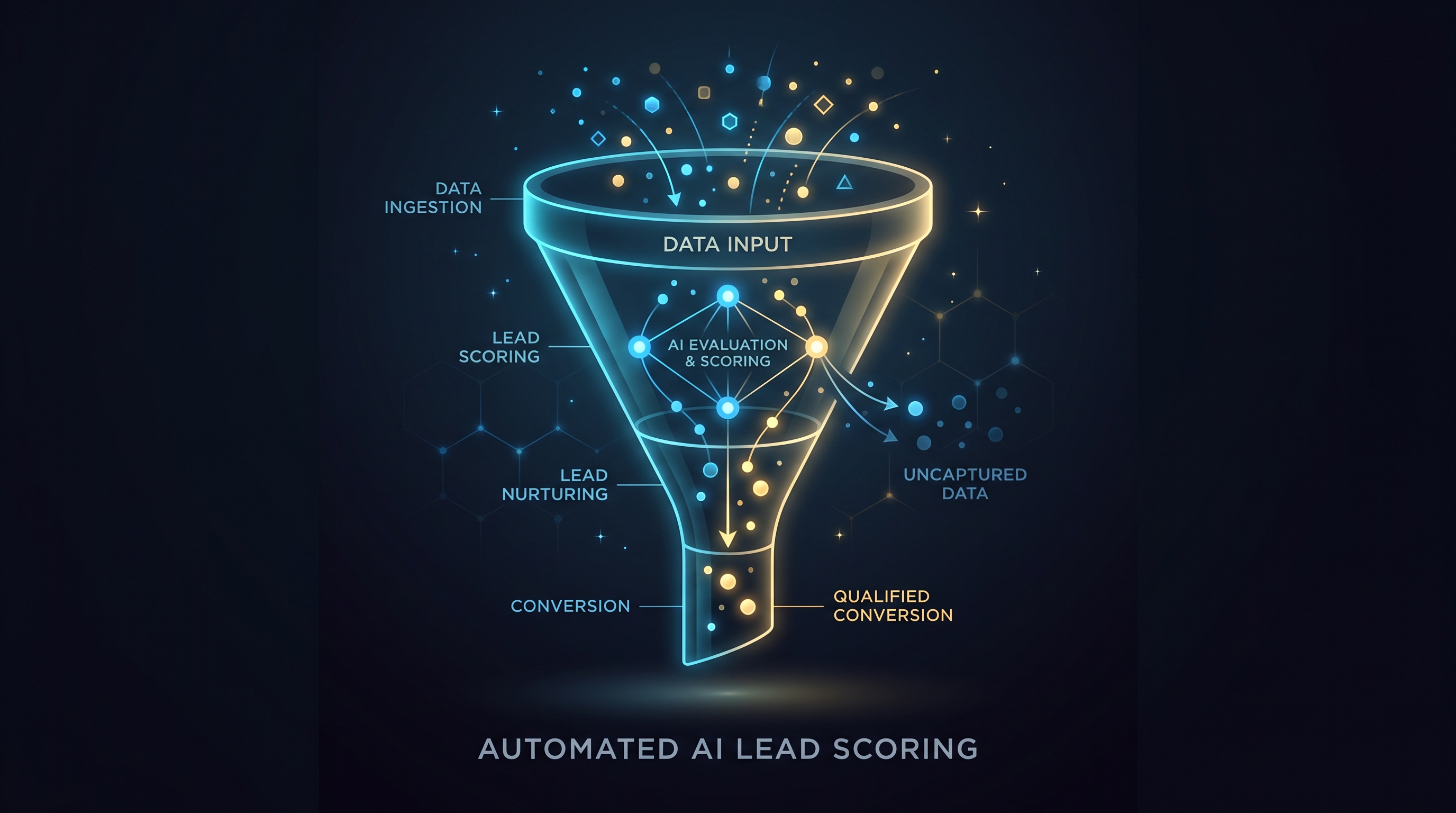
An automated marketing dashboard doesn’t just display data prettier. It connects directly to source platforms (Google Ads, Meta, LinkedIn, CRM, analytics tool, whatever mix the client uses) and pulls fresh data on a schedule you set. No manual export. No human in the middle.
When new data arrives, the system normalizes it. It calculates custom metrics. It compares current performance against goals and past periods automatically. It surfaces anomalies (a 50 percent drop in conversions, an unexpected spike in CPC) and flags them for review. Then it generates insights in plain language and pushes them into your client portal.
The client logs in and sees real-time dashboards, historical trends, and AI-generated insights. Everything is current as of the last data pull, usually last night or this morning. They don’t email you asking for a new report. The data is there.
From your side, setup is one-time work. You configure the connections, define the metrics, set the data refresh schedule, and choose the insights framework. Then it runs. Your team reviews the insights before they go live (takes 10 minutes), approves them, and the client sees them. The next week the same automation happens again, without you rebuilding anything.
A human still manages quality. But the machine handles the repetitive work that currently eats your hours.
Concrete Time and Accuracy Differences
Let’s be specific. A mid-size agency managing 12 clients with a manual Looker Studio plus Google Sheets setup typically spends 6 to 8 hours per week on reporting work. Someone builds dashboards. Someone pulls data for custom reports. Someone answers client questions about where a number came from. Someone fixes integrations when they break.
With an automated system, that drops to 2 to 3 hours per week. Most of that is quality review and strategic insight work, not mechanical tasks. That’s 150 to 260 hours per year back on your books. If your burden rate is $75 per hour, that’s $11,000 to $19,500 per year in reclaimed labor capacity.
Data accuracy improves because there’s no manual step. When you pull data from a source system, it goes straight into the dashboard and report. No copy-paste. No formula drift. No stale CSV files sitting in a shared drive. The client sees the same numbers your team sees, in real time.
Response time shifts too. A client texts asking why conversions dipped on Tuesday. In a manual stack, you pull the data, check your sources, follow up with the account manager, and reply tomorrow. With automated dashboards and AI insights, you say “the system flagged it at 6 a.m. this morning. Here’s what changed and my recommendation.” Trust goes up.
When Manual Stacks Still Make Sense (and When They Don’t)
A small agency running three clients? Looker Studio plus some smart spreadsheet work might be sufficient. The time cost is low because the client count is low.
An agency with 10 or more clients, especially if you’re taking on new clients quarterly? Manual stacks become a growth ceiling. You can’t hire someone whose only job is fixing reports. You can’t scale client onboarding if every new client means a new custom report build. Your team’s morale takes a hit when they’re doing handwork instead of strategy.
If your clients demand current data (they do), and you’re pulling reports monthly (most agencies do), then you’re re-running the same work 12 times a year for each client. Automation breaks that cycle.
The decision comes down to this: are you willing to trade a one-time setup cost for reclaimed hours, better data accuracy, and a scalable client experience?
The Best Approach for Most Agencies
The most effective setup combines automation with human oversight. The machine pulls data, calculates metrics, and generates insights. Your team reviews for accuracy and adds context. The client gets current, trustworthy information without your team doing mechanical work.
This is where an AI client reporting dashboard platform makes sense. You need connections to all your data sources working without constant maintenance. You need metrics calculated consistently across clients. You need insights generated automatically but reviewed by humans. You need a client portal that’s branded to your agency and always current.
Matz Analytics builds exactly this. We connect your data sources, configure your metrics, set up your client portals, and generate AI insights. You get the infrastructure of an automated marketing dashboard without building it yourself. Your team does the review work (the part that adds actual value), and clients get current, accurate reporting.
The result is typically 40+ reclaimed hours per client per year, better client retention, and a reporting function that scales with your agency instead of capping it.
If you’re running your agency on Looker Studio dashboards and spreadsheet updates, the next step is to see what an automated system looks like in practice.
Ready to stop losing hours to manual reporting? Book a free demo with Matz Analytics.