Article
AI Client Reporting Dashboard: 2026 Agency Buyer's Guide

An AI client reporting dashboard does one thing exceptionally well: it transforms raw marketing data into narratives your clients actually understand, without you lifting a finger every Friday afternoon. For marketing agencies, this isn’t a nice-to-have anymore. It’s become the difference between scaling profitably and staying trapped in manual reporting.
The old model was simple but brutal. You’d pull data from Google Ads, Meta, search console, and whatever other platforms your clients ran. You’d paste it into Looker Studio or Google Sheets. You’d write explanations. You’d add context about why conversions dipped or why CPL climbed. Then you’d send it out and wait for “Can you explain this metric?” emails.
An AI-powered client reporting dashboard removes that entire loop.
What an AI Client Reporting Dashboard Actually Does
Let’s be specific about what these platforms do and don’t do.
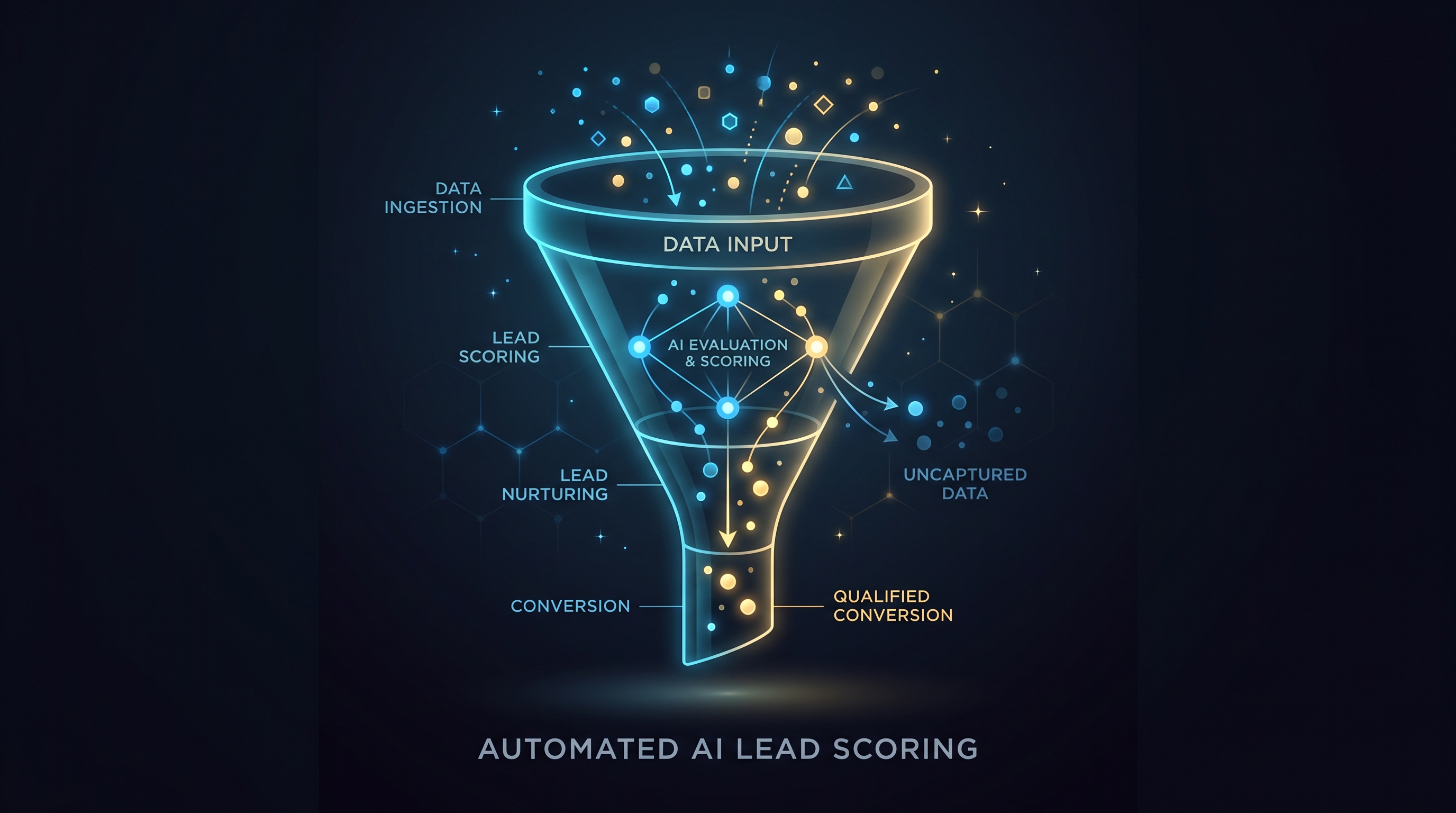
An AI client reporting dashboard automatically pulls data from every platform your client uses, normalizes it into a single source of truth, and surfaces insights without human interpretation. That’s the core. Everything else flows from that.
The first layer is automation. The dashboard connects directly to your clients’ ad accounts, analytics properties, and CRM systems. Data syncs on schedule—hourly, daily, or weekly depending on your setup. You don’t manage it. You don’t run manual exports. The moment your client’s campaign performance shifts, the dashboard knows.
The second layer is anomaly detection. The AI watches your metrics over time and flags unusual movement. If conversion rate drops 23% unexpectedly, the dashboard alerts you. If CPL spikes during a normally stable period, you see it immediately. You’re no longer reviewing spreadsheets row by row looking for problems. The system finds them first.
The third layer is narrative generation. This is where most agencies underestimate AI’s value. Instead of writing “Conversions increased 12% month-over-month,” the dashboard generates contextual explanations: “Conversions increased 12% this month, primarily driven by a 18% lift in high-intent keywords after the bid adjustment on March 12th. This offset a 6% decline in brand-term volume likely attributed to seasonal search patterns.” It’s not magic. It’s learned pattern recognition applied to your specific data structure.
Why Marketing Agencies Need This Now
Marketing agencies live on margins. A 10-person shop might service 15 to 25 clients. Manual reporting eats 4 to 8 hours per week, minimum. That’s 200 to 400 hours annually. At billing rates most agencies charge, that’s $10,000 to $50,000 in labor cost sunk into a task that creates no strategic value.
More important than time saved: it changes client conversations.
When a client gets a report that explains itself—complete with why things happened and what it means—they stop asking for explanations. They stop second-guessing your strategy because the narrative is clear and data-driven. Report quality becomes a competitive advantage that clients notice. They renew faster. They refer more. They trust your recommendations more because you’re showing your work at scale.
An AI client reporting dashboard also democratizes data literacy. Not every client has a data analyst on staff. They want someone else to make sense of their marketing. A well-built dashboard does that. It translates metrics into business outcomes. “Your cost per lead is $47” becomes “You’re spending $47 for each potential customer that enters your pipeline.”
Automated Data Pulls and Real-Time Performance Tracking
The foundation of any AI client reporting dashboard is how it sources data.
Most modern dashboards use API connections to pull from ad platforms directly. Google Ads, Meta, TikTok Ads, LinkedIn Ads, Bing Ads—the major channels are covered. They also pull from Google Analytics, Google Search Console, and increasingly, CRM platforms like HubSpot or Salesforce. Some integrate with email marketing platforms or e-commerce backends.
The key is that this happens automatically. There’s no CSV download step. No manual refresh. No “the data in the report is from last Tuesday” problem. Modern dashboards are always fresh.
Real-time doesn’t mean every single metric updates every minute. But critical metrics—spend, clicks, conversions, cost per action—sync hourly or at minimum, daily. That’s fast enough that agency teams can catch performance issues before they cascade.
Some agencies also use these dashboards to surface search analytics data in a way that ties directly to performance outcomes. Instead of reviewing Search Console separately, they see which queries drive conversions, which ones drain budget with no return, and which ones are emerging opportunities. That’s AI search analytics working in real time, normalized alongside paid channel data.
Evaluating an AI Client Reporting Dashboard: What to Look For
Not all AI dashboards are equal. Here’s what matters when you’re comparing options.
First, integration depth. Can it connect to every platform your clients use? If you work with B2B SaaS companies that run LinkedIn Ads and Google Ads exclusively, a dashboard that only connects to Google might work. But if your clients run across 8 different channels, you need coverage. Check what’s supported before committing.
Second, customization without coding. You should be able to build new dashboard views, add metrics, and adjust KPI definitions without hiring a developer. Drag-and-drop interface design matters. Most modern dashboards have this. Some still don’t.
Third, the quality of AI-generated insights. This is harder to evaluate in a demo, but ask directly: does the system generate client-facing narratives, or just internal alerts? Can you customize the tone? Does it explain causation, or just flagging anomalies? A good system should handle all three.
Fourth, client portal experience. Your clients see the dashboard too. How does it look? Can they filter by date range, drill into details, and download reports? Does it feel like a premium product, or like an internal tool? This shapes how clients perceive your agency.
Fifth, access control and security. For agencies managing multiple client accounts, you need granular permissions. Agency team members should see only the clients they manage. Clients should see only their own data. Admin controls should be intuitive. Ask about data encryption, compliance certifications (SOC 2, GDPR), and audit logs.
Sixth, cost structure and scalability. Some platforms charge per dashboard. Others charge per client. Others use a fixed monthly fee. Understand what scales with your business. A 5-client shop shouldn’t pay the same as a 50-client shop.
Different Approaches to AI Client Reporting
There’s no single way to build this. Different vendors prioritize differently.
Some agencies use a comprehensive platform that handles dashboards, anomaly detection, AI insights, and branded client portals all together. These are full replacements for the reporting function. They typically offer higher price tags but handle everything in one place.
Other agencies build dashboards in Looker Studio or Tableau and layer AI insights on top through separate tools. This modular approach gives flexibility but requires integration work and multiple subscriptions.
A third approach is to use a service that handles reporting entirely on your behalf. A fractional data team builds and updates your dashboards, manages client delivery, and ensures everything stays current. You specify the metrics and KPIs. They handle everything else. This transfers the entire function out of your team, which works if you’d rather focus on strategy and growth.
Each approach has tradeoffs. Comprehensive platforms require learning a new interface but handle everything. Modular tools give flexibility but demand more management. Outsourced reporting removes the task entirely but introduces a third party into client relationships.
Making Your Decision
The right AI client reporting dashboard depends on your agency’s size, client mix, technical comfort level, and budget.
If you’re managing 3 to 7 clients and want to eliminate manual reporting with minimal overhead, a platform with templates and automation is the fastest path. If you’re managing 15+ clients and need white-label client portals with branded narratives, a comprehensive platform or outsourced service makes more sense.
Start by auditing your current reporting workflow. How many hours does it consume weekly? How many different tools do you use? How much client feedback do you get asking for clarification? That gives you a baseline for what savings you can expect.
Then evaluate platforms based on the criteria above: integration depth, customization, insight quality, client experience, security, and cost. Request demos from the top 2 to 3 options. Load real client data if they allow it. See how the AI narrative generation performs on your actual campaigns.
The investment typically pays for itself within the first quarter through time savings alone. The strategic upside—better client relationships, faster renewal cycles, competitive differentiation—comes after that.
Ready to see how an AI client reporting dashboard works for your agency? Start with a free demo here.