Article
How to Create a Marketing Dashboard That Keeps Clients
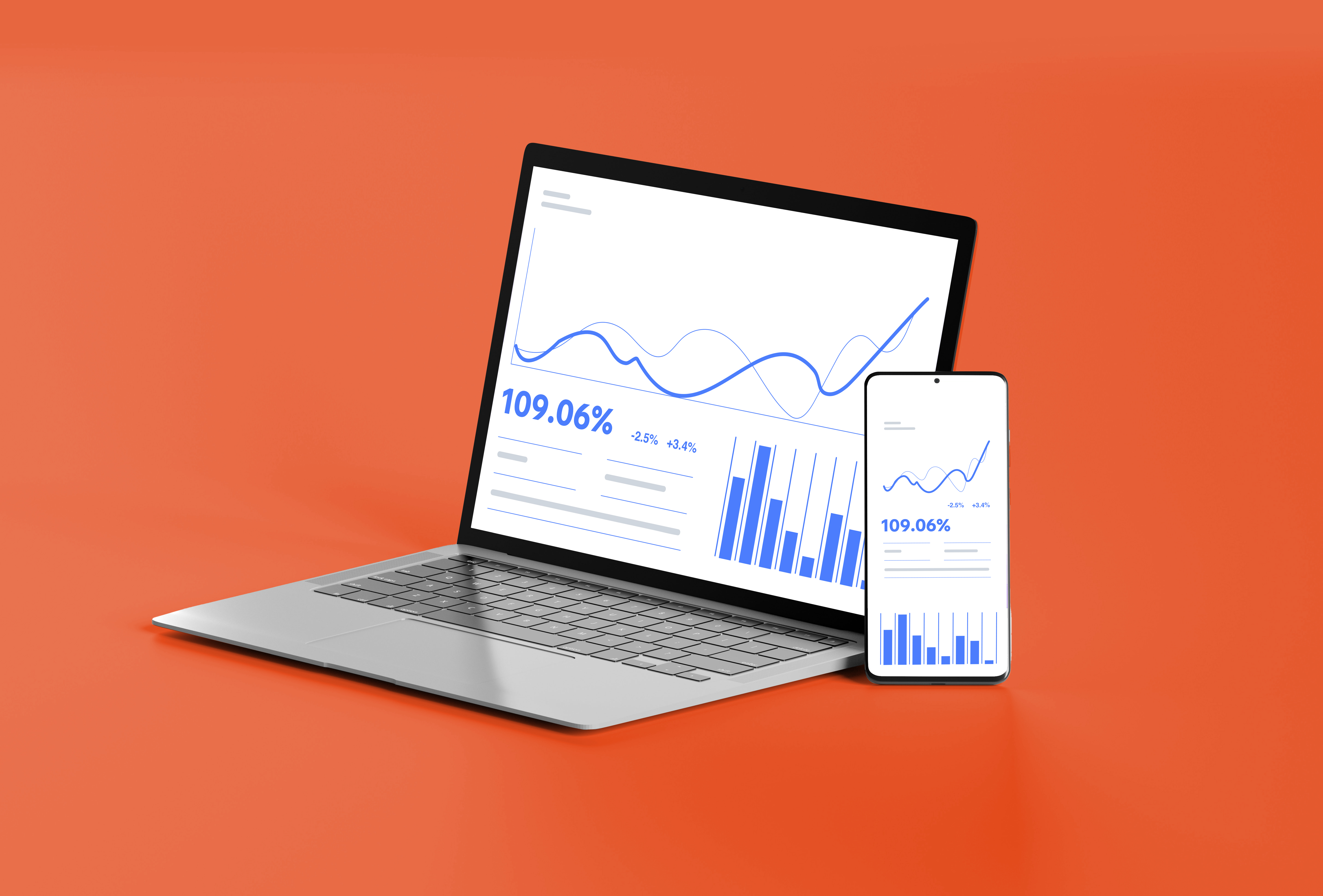
Most dashboards are either too busy to be useful or so simple they’re ignored. If you’re sending your clients reports they barely open, it’s probably not the data … it’s the format, the relevance, and how easy it is to understand.
The right marketing dashboard is more than just a spreadsheet with graphs. It’s a retention tool. It’s a lead-gen asset. It’s proof that you’re doing your job as a marketing agency.
In this post, we’ll break down how to create marketing dashboards that:
- Actually get read by clients
- Reduce churn
- Make your work look more valuable
- Help close new deals
Why Most Client Dashboards Don’t Work
A lot of agencies treat dashboards like an obligation instead of a weapon. They use the default report templates, email a PDF once a month, and hope the client doesn’t ask too many questions.
The result? Clients either:
- Never log in
- Don’t understand the metrics
- Feel like they’re paying you just to look at a graph
A good dashboard flips that. It gives clients clarity, confidence, and reasons to stick around.
What a High-Retention Marketing Dashboard Looks Like
Here’s what separates a high-performing dashboard from the rest:
1. It shows results, not just metrics.
- Highlight lead volume, ROAS, CPL, etc.
- Explain what changed and why (quick annotations help).
2. It’s designed for clarity.
- No clutter. Prioritize the KPIs that matter.
- Avoid vanity metrics unless you contextualize them.
3. It’s branded and accessible.
- White-labeled with your agency logo.
- Easy login, mobile-friendly, and no tech friction.
- Make it easy to understand.
4. It makes you look proactive.
- Highlight wins.
- Call out what you’re testing next.
- Include comments or summaries when needed.
How to Create a Marketing Dashboard (Step by Step)
Step 1: Choose your platform
If you’re starting from scratch, we recommend Looker Studio, especially when paired with Supermetrics or Porter for data connectors. Want to see a full breakdown of the best tools? Check out our article here.
Step 2: Define the right KPIs
Ask: What does success look like for this client? Usually:
- ROAS or cost per lead
- Funnel drop-off rates
- Ad spend pacing
- SEO traffic growth
Don’t show everything. Show what matters.
Step 3: Pull in your data sources
Connect Meta, Google Ads, TikTok, GA4, CRM, etc. Build calculated fields for blended CPL or attribution models if needed.
Step 4: Design it for non-technical people
Use big numbers, light colors, and grouped sections. Add explainer text where needed. Make it skimmable in under 60 seconds. A client should be able to look at your dashboard and (almost) immediately know the state of your marketing.
Step 5: Make it look like yours
Add your agency logo, client name, and colors. Branding matters, especially if you’re using reporting as another reason why new clients should buy from you. (hint: good reporting tells a prospect that you know what you’re doing, and be used to charge higher prices)
Step 6: Schedule regular updates
Automate report delivery with links to the dashboard weekly or monthly. Set a calendar reminder to review and comment if needed.
Don’t know where to start?
We build, host, and manage custom marketing dashboards that:
- Are fully white-labeled to your agency
- Show all your clients’ performance data in one place
- Are ready in 48 hours
- Include unlimited updates and support
Click here to learn more about our done-for-you solutions.
Bonus: Dashboards Help You Win New Clients Too
Great dashboards are retention tools AND sales assets.
You can:
- Use a sample dashboard in sales calls to show proof of work
- Offer dashboard audits as a lead magnet
- Include reporting in your offer stack as a differentiator
When a prospect sees that you actually report like a pro, you instantly separate yourself from most agencies.
Final Thoughts
Creating client dashboards shouldn’t feel like a chore. Done right, they’re one of the highest-leverage things you can build for your agency. Less churn, more referrals, faster closes.
Whether you DIY or outsource it, just stop sending dashboards no one reads.
Build dashboards your clients brag about.