Article
Marketing Dashboard Software: 2026 Buyer's Guide
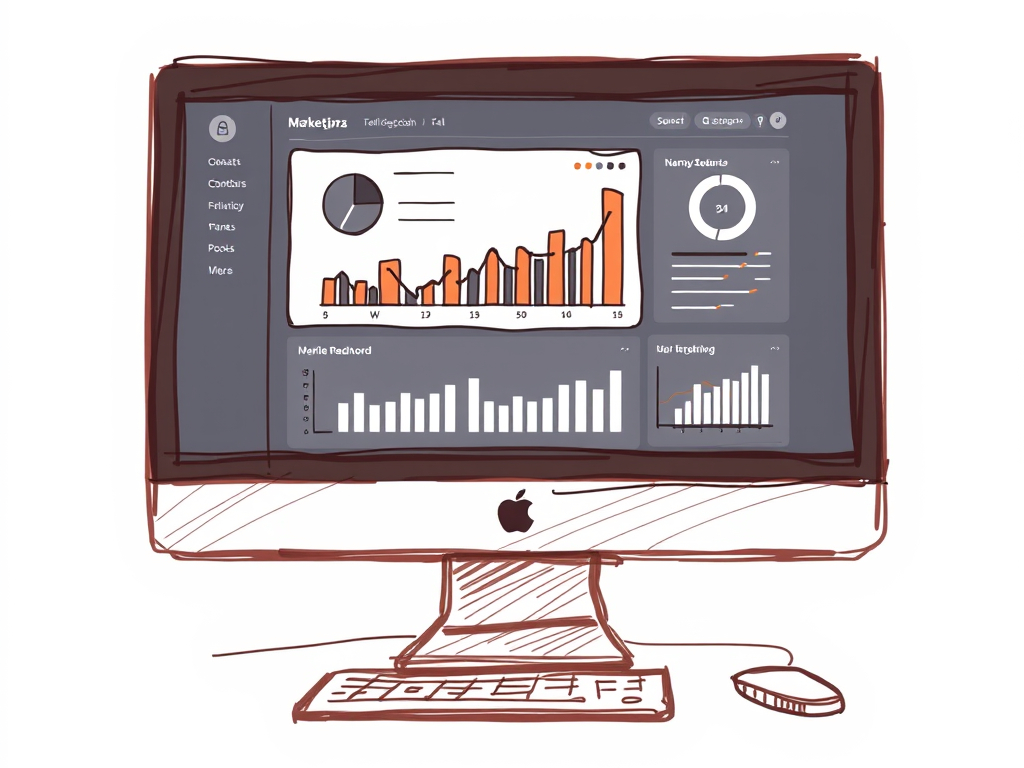
Marketing teams today face a common problem: data scattered across platforms, scattered insights, and scattered accountability. A marketing dashboard software solution consolidates all that noise into one clear view of what’s working—and what isn’t. But the category itself is broad, and choosing the right tool depends less on feature lists and more on understanding what you actually need to build, maintain, and act on dashboards.
This guide breaks down the landscape so you can match your situation to the right type of solution.
What is Marketing Dashboard Software?
Marketing dashboard software is any platform that aggregates data from your marketing channels and tools, then visualizes that data in a centralized, interactive interface. The goal is simple: replace manual reporting, spreadsheet sprawl, and email updates with a single source of truth.
That definition covers a lot of ground. A dashboard tool might pull from Google Analytics, Meta Ads, LinkedIn, Salesforce, and a dozen other sources. It might let you build custom reports in minutes. It might automatically update every hour. It might include AI-powered insights or just serve as a connector layer.
The key distinction isn’t features—it’s the tier of service you’re buying.
The Three Capability Tiers
When evaluating marketing dashboard platforms, vendors, and software options, most solutions fall into one of three categories. Understanding where each sits helps you avoid paying for capabilities you don’t need—or worse, choosing a tool that leaves your team frustrated.
Tier 1: BI Tools (Business Intelligence Platforms)
BI tools like Looker Studio, Tableau, and Power BI are the heavy lifters. They’re designed to handle unlimited data volume, unlimited customization, and unlimited user accounts. You connect your data sources, build reports from scratch, and own the entire workflow.
These are ideal if you have in-house analytics expertise or a dedicated analyst on staff. The learning curve is steep, but the flexibility is unmatched. You’re not limited by pre-built templates or rigid data models.
The trade-off: setup takes weeks or months. Maintenance is ongoing. And you need someone who knows SQL, data modeling, or at least the platform’s native query language.
Tier 2: Connector Tools (Plug-and-Play Dashboard Platforms)
Connector tools sit in the middle. Products like DashThis, Supermetrics, and similar platforms connect your marketing data sources and offer pre-built dashboard templates. You’re up and running in days, not months.
These tools handle the data pipeline for you. They manage integrations, refresh schedules, and basic transformations. You choose a template, map your data sources, and go live.
The trade-off: customization is limited to what the template allows. If your reporting need is unusual or your data structure is complex, you’ll hit a ceiling. You’re also paying a per-user or per-dashboard fee, which adds up quickly as your needs scale.
Tier 3: Done-for-You Services
Done-for-you marketing reporting services—which handle everything from data connection to dashboard design to ongoing optimization—represent the highest-touch tier. A team builds, manages, and maintains your dashboards as an extension of your own operations.
These services work best when reporting is core to your business but not your core competency. Agencies, for example, often need sophisticated dashboards to impress clients and track performance, but building that infrastructure in-house diverts focus from client work.
The trade-off: this is the most expensive option per-reporting-function. But it’s also the only option where reporting becomes truly hands-off and always current, freeing your team to focus on strategy instead of data plumbing.
Evaluation Criteria: Which Tier Is Right for You?
Before comparing specific vendors, ask yourself these questions:
Do you have analytics expertise in-house? If yes, a BI tool might be the right fit. If no, Tier 2 or Tier 3 is safer.
How complex is your data architecture? Simple funnels and channel performance? A connector tool works. Multi-source attribution, custom KPIs, and cross-platform cohorts? You need BI-level flexibility or a done-for-you team.
What’s your timeline? Need dashboards live in a week? Choose Tier 2. Willing to wait four weeks for perfection? Tier 1 or 3 both work.
How many dashboards do you need? One or two dashboards for leadership? Tier 2 is cost-effective. Ten dashboards across teams, clients, or segments? Tier 1 or 3 scales better economically and operationally.
Who owns ongoing updates? If your team has bandwidth to tweak dashboards monthly, Tier 1 or 2 fit. If you need someone else to handle it, Tier 3 is the answer.
What’s your growth trajectory? Tier 1 and 3 scale infinitely. Tier 2 tools start nickel-and-diming you as user count and dashboard count climb.
Common Use Cases by Tier
Performance marketing agencies often land in Tier 2 or Tier 3. They need client-facing dashboards that build trust, but building those from scratch in Looker Studio isn’t realistic with a small team.
In-house marketing teams at mid-market companies often start in Tier 2, then graduate to Tier 1 as their data team grows.
Enterprise marketing departments typically live in Tier 1, with dedicated data engineers managing the infrastructure.
Agencies with limited in-house data resources benefit most from Tier 3 services, which handle the entire reporting function and free up the agency to focus on strategy and delivery.
Beyond the Tier: What Else to Evaluate
Once you’ve identified which tier matches your situation, dig into these specifics.
Data freshness: How often do dashboards refresh? Real-time, hourly, or daily? For performance marketing, hourly at minimum makes sense. For longer-tail content strategy, daily is fine.
Integration coverage: Does the platform connect to all your data sources? Google Analytics, Google Ads, Meta, LinkedIn, Salesforce, HubSpot, and custom APIs should all be covered.
Visualization options: Can you create the views you actually need, or are you limited to pre-built templates?
User management and access control: Can you give clients their own logins? Restrict views by segment or account? Control who can edit versus view only?
Support quality: Is there a dedicated support team, or are you relying on documentation and community forums?
Branding options: Can you white-label the dashboards, or will they carry the vendor’s logo?
For agencies specifically, client-facing dashboards must be branded to your agency, not your vendor. This is non-negotiable.
The Hidden Cost: Maintenance Burden
Most software comparisons focus on price and features. They miss the invisible cost: maintenance.
Every month, marketing tools get updates. API limits change. Data sources shift. Dimensions disappear and new ones appear. Dashboard logic breaks. If you own the dashboard infrastructure, someone on your team owns these problems.
In Tier 1, that’s your data engineer or analyst. In Tier 2, you’ll spend time troubleshooting with support and adjusting configurations. In Tier 3, the service team handles all of it.
The lowest-priced tool isn’t always the lowest-cost tool when you factor in the time your team spends keeping it running.
Making Your Choice
Start by being honest about three things: your in-house expertise, your timeline, and your team’s capacity for ongoing maintenance.
If you have strong analytics talent and months to implement, Tier 1 is flexible and powerful. If you need something live fast and your data structure is straightforward, Tier 2 works. If reporting is important but not your superpower, and you want it handled end-to-end, Tier 3 removes the entire burden.
There’s no universally “best” marketing dashboard software because context matters. What’s perfect for a Fortune 500 company is overkill for a five-person agency. What works for a SaaS company might not work for a lead gen shop.
Your job is to match the tier to your reality, then evaluate vendors within that tier based on integration coverage, ease of use, and support quality.
Ready to explore what a done-for-you dashboard solution looks like? See how Matz Analytics handles marketing reporting and dashboard management for agencies of all sizes.
Request a free demo here.