Article
Call Tracking Attribution for Agency Lead Reports (2026)

The phone rings. The lead came in. But where did they come from?
That’s the moment most lead-gen agencies hit a wall. A prospect fills out a form on your client’s website. Same day, they call. Your form tracking says one source. Your call tracking says another. Your client’s CRM shows a third version of the truth. And now you’re manually reconciling data across three platforms to tell your client where that lead actually came from.
Call tracking attribution is supposed to solve this. But most agencies don’t know how to wire it in. They use CallRail or CallTrackingMetrics to capture calls. They use a form platform to capture submissions. Then they stare at two separate dashboards and hope someone remembers which lead is which.
The real problem isn’t the tools. It’s the workflow. Most agencies treat call tracking as a standalone metric, not as part of a unified lead attribution model. You can’t automate lead reporting for clients when your call data lives in isolation.
The Lead-Gen Agency Call Tracking Problem
Here’s what happens when call tracking attribution isn’t integrated into your client reporting:
You spend Friday afternoon building a lead report for your client. The report shows 47 form submissions from paid search. But your call tracking shows 23 inbound calls. Your client asks: are these the same people, or different prospects? You don’t know. You start cross-referencing phone numbers manually.
A duplicate lead shows up in your client’s CRM. Same person, two entries. One from a form, one from a call. Did they submit twice? Or did they submit and then call? Your call tracking can’t tell you. Neither can your form platform. Now your client thinks they have more leads than they actually do.
Meanwhile, your client’s sales team is frustrated because the lead quality metrics in your report don’t match what they’re seeing. They got 10 calls on Tuesday, but your report shows 8. Two calls came in from the same number. Were they counted? You have to dig through CallRail to find out.
Every week, you spend 2-3 hours reconciling call data with form data just to build an accurate lead report. It’s manual work. It’s error-prone. And it doesn’t scale.
The root issue: call tracking data and form data live in separate systems with no connection between them. You have no way to say “this call and this form submission are from the same person,” so you can’t build a single source of truth for lead attribution.
How Call Tracking Attribution Actually Works
Before you can automate it, you need to understand how to structure it.
Call tracking platforms like CallRail and CallTrackingMetrics work by assigning a unique phone number to each traffic source and campaign. When someone calls that number, the platform logs the call, captures the call duration, records the outcome, and attributes it to whichever source or campaign the number was assigned to.
The data flows like this: a visitor lands on your client’s website. A dynamic number appears on the page based on the traffic source they came from. They call that number. The platform logs the call and ties it to that source. Clean attribution.
But here’s where most agencies get stuck: the form data doesn’t know about the call. A different visitor fills out a form. Their form submission gets tracked separately. Now you have two lead records with no way to match them up, even if they’re the same person.
The second problem is deduplication. If one person calls and also submits a form, that’s one lead, not two. Your client needs to know that. But if your form platform and your call platform can’t talk to each other, you’ll report two leads when there’s only one.
The third problem is campaign attribution. Your client runs three paid search campaigns. Each one has its own dynamic phone number in CallRail. You can see which campaign drove calls. But when you build a report that mixes call data with form data, how do you assign campaign credit fairly? If someone called from campaign A and submitted a form from campaign B, which campaign gets credit?
Building the Attribution Model
Start here: decide on your attribution rules before you wire anything up.
Do you want last-touch attribution? First-touch? Multi-touch? This matters because it changes how you count a lead that came in through multiple channels.
For most lead-gen clients, we recommend this model: if someone calls, that’s the lead event. If they also submit a form, that’s supporting data, not a separate lead. The source of the lead is wherever they came from when they called. The campaign is the campaign driving the call traffic.
This solves the dedup problem. One person, two interactions, one lead record.
Set up your call tracking platform to assign dynamic numbers at the campaign level, not just the traffic source level. CallRail and CallTrackingMetrics both support this. Every paid search campaign gets its own number. Every organic campaign gets its own number. This gives you granular attribution from the start.
Then decide: how will you match calls to forms? The most reliable method is by phone number. Whenever someone submits a form, you capture their phone number. Whenever someone calls, the platform captures their number. You can then link them in a database or spreadsheet using the phone number as the key.
Some platforms let you do this natively. Others require a middleware tool like Zapier or Make.
The goal is a unified lead record that says: “Person X from Campaign Y submitted Form Z and made Call W on Date D.” From there, you can build any report you want.
Automating the Data Flow
Now the practical part: how to get call tracking data into your client reporting without manual work.
Most call tracking platforms have APIs. CallRail has an API. CallTrackingMetrics has an API. You can use these to pull call data automatically into a database or data warehouse.
Here’s the workflow:
Set up a scheduled job that runs daily. It calls the CallRail API (or CallTrackingMetrics API) and pulls all calls from the previous 24 hours. You capture: call date, call duration, called number, caller number, call outcome, and any tags or custom fields that store campaign or source info.
Store that data in a database or Google BigQuery. This becomes your source of truth for call data.
Run a separate job that pulls form submissions from your form platform (Typeform, Gravity Forms, whatever your client uses). Store those in the same database.
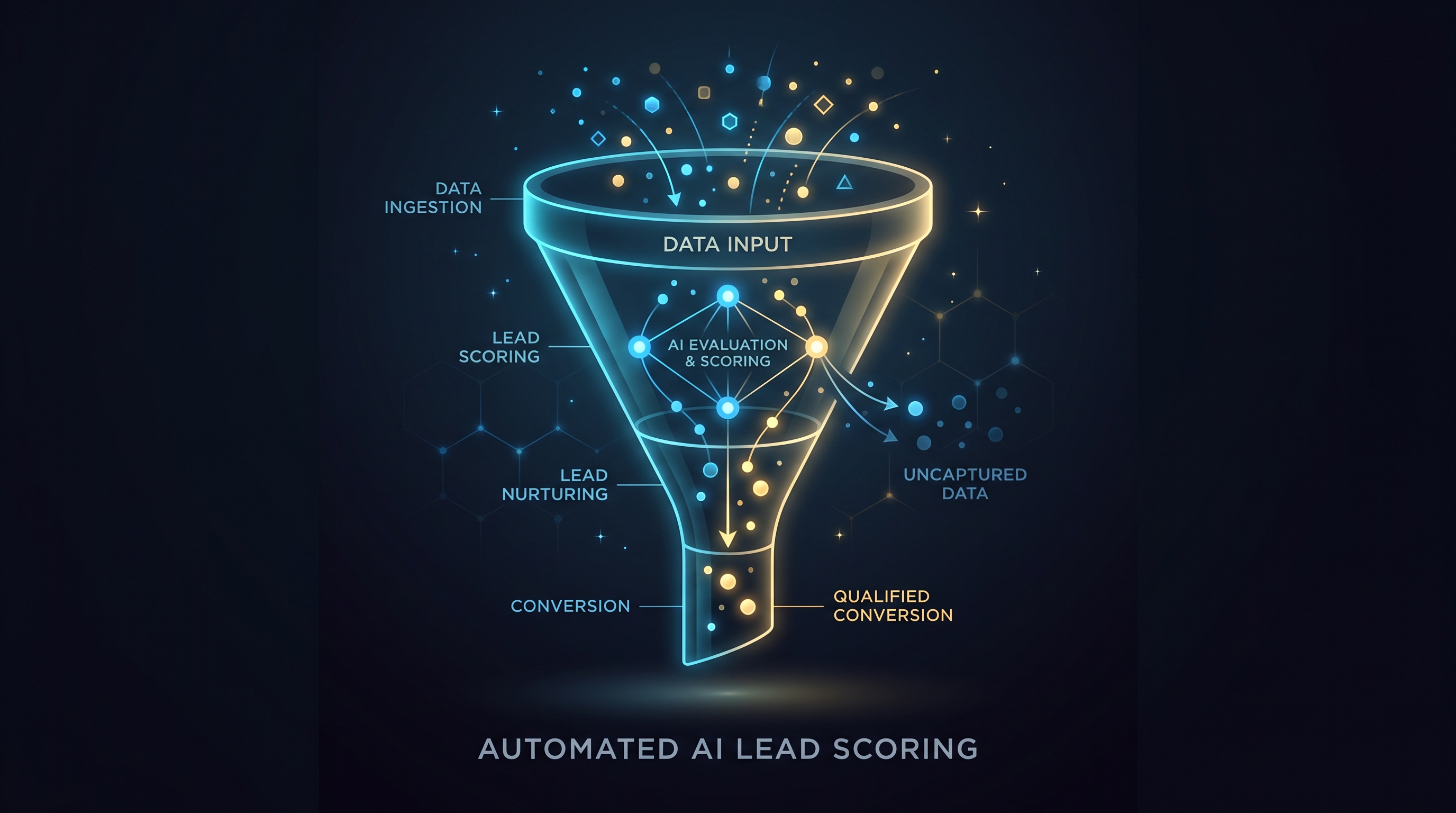
Then run a third job that deduplicates. It looks at all phone numbers from both calls and forms, and merges records where the numbers match. For each deduplicated lead, it assigns the source and campaign based on your attribution rules.
Finally, push that deduplicated lead data into your client’s reporting dashboard. Looker Studio can connect to BigQuery, so you can build dashboards that pull from this unified dataset.
Now your client sees one number for leads. No manual reconciliation. No duplicates.
This is where most agencies need help. The API logic is straightforward, but setting it up requires either engineering time or a service that handles it for you.
The Tools You’ll Need
CallRail or CallTrackingMetrics for the call tracking. Both have solid APIs. CallRail tends to be easier to set up, CallTrackingMetrics is often cheaper at scale.
A data pipeline tool. Zapier works for simple cases. If you have complex attribution logic, you’ll need Make or a custom script.
A data warehouse or database. Google BigQuery is cheap and integrates well with Looker Studio. You can also use a PostgreSQL database if you host it yourself.
Looker Studio, Tableau, or Matz Analytics for the reporting layer. Looker Studio is free and works if your data is clean. Matz Analytics adds AI-driven insights and handles the entire data pipeline for you if you don’t want to manage it yourself. Tableau is more powerful but expensive.
Many agencies build this stack themselves. It works, but it requires ongoing maintenance. When your client adds a new campaign, you have to set up a new phone number in CallRail and update your dedup logic. When the API changes, your job breaks.
Some agencies use a service like Matz Analytics that handles the plumbing. You connect your sources once. The service pulls the data, dedupes, attributes, and pushes it to your client’s dashboard. No maintenance.
Making It Scale
Once you have call tracking attribution working for one client, the second client is faster but not automatic.
You’ll need to configure attribution rules for each client. Campaign structure is different. Form fields are different. Call outcome tags might be different. You can’t use the same settings for every client.
This is where the time savings come from. Your first client takes 20 hours to set up. Your second takes 8. Your third takes 5. But you’re still building custom configurations for each one.
If you’re running a lead-gen agency and building client reports every week, the time difference between “pull two separate dashboards and reconcile manually” and “one unified dashboard pulling deduplicated data” is 2-3 hours per client per week. That’s 100+ hours per year.
Ready to cut the hours your team spends on lead reporting and stop losing client trust to duplicate leads and misattributed calls? Book a free demo with Matz Analytics and see how we handle call tracking attribution and unified lead deduplication for your clients.