Article
AI Client Reporting Dashboards Compared
You’re managing 10+ clients. Each one wants a report by Monday. One client uses Google Ads, another runs Facebook campaigns, a third does SEO. They all want different metrics, different formats, different insights. Your spreadsheet approach stopped working three months ago. Now you’re spending 12 hours a week just stitching data together and writing commentary.
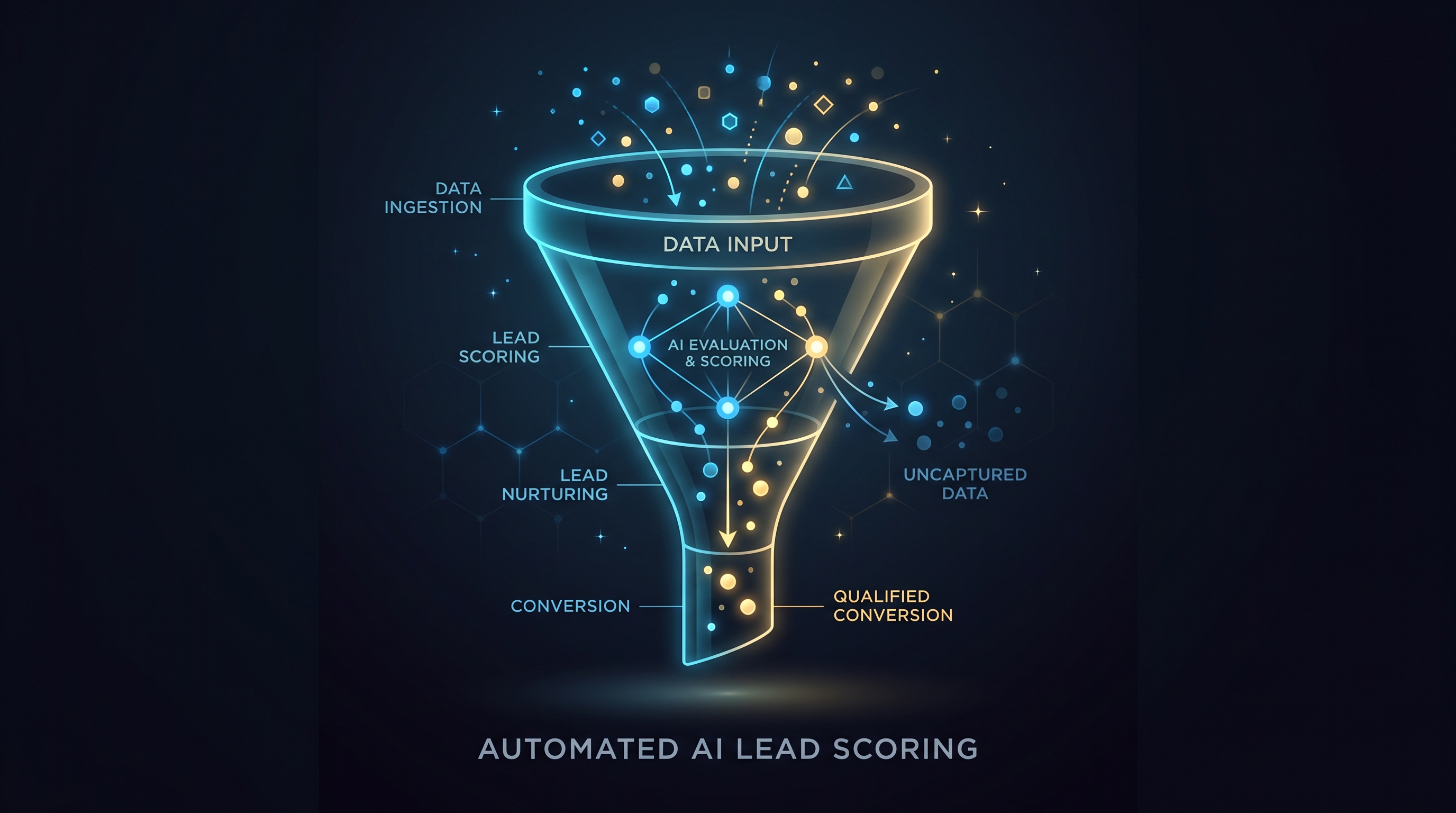
You’ve heard about AI client reporting dashboards. The pitch sounds perfect: automated insights, one-click client deliverables, intelligence generated by machine. But when you start looking at options in 2026, you hit a wall. Every vendor claims AI. Most are just Looker Studio knockoffs with a chatbot. Some charge per client. Others won’t connect to your data sources. None of them actually understand what a marketing agency really needs.
This is where a real comparison matters. Not a listicle. Not a vendor roundup written by someone who’s never built a report. An honest look at which AI-powered client reporting tools actually scale with your business and which ones create more work than they save.
The Core Problem With Most Reporting Solutions
Agencies don’t need general business dashboards. You need tools that speak marketing. Tools that understand that your client in fintech needs conversion funnels, CAC trends, and monthly spend efficiency. Your e-commerce client needs ROAS, product-level performance, and inventory sync. Your SaaS client needs MRR cohorts, churn, and CAC payback.
Most off-the-shelf reporting platforms treat all data the same. They assume one metric structure fits every business. They charge per client so your cost explodes from five clients to fifty. They auto-generate insights that sound smart but mean nothing. “Conversion rate increased 2% this week.” Did it? Why? Should your client care? Should you?
The second problem is time. Even the “automated” solutions require you to set up each dashboard manually. Connect the data source. Choose the visualizations. Write the custom alerts. Customize the client portal. Add your branding. Do this five times and you’ve spent 20 hours before you’ve sent a single report.
What To Look For In An AI Client Reporting Dashboard
Before comparing specific tools, you need criteria. Any solution you pick should handle at least three things well.
First: it should actually be automated. Not “you click a button and it pulls data from Google Ads.” But “new client comes onboard, report builds itself, insights populate without you writing them, client gets it on Monday.” That’s automation. Anything less is just a template.
Second: it should handle multiple clients without multiplying your cost and complexity. If you’re paying per user, per dashboard, or per data source, math kills you fast. A real multi-client solution charges you one price and lets you run as many clients as your time allows.
Third: the AI insights should be specific to marketing. Not “traffic was up.” But “traffic from organic search increased 34% and drove 12 new leads, each at a cost of $47 versus your usual $62.” That’s insight. That’s the thing your client can’t figure out themselves and the reason they hired you.
AI Client Reporting Dashboards Compared
Matz Analytics OS
Matz Analytics builds and manages reporting for marketing agencies as a done-for-you service. The platform component, Matz Analytics OS, is the proprietary layer underneath. Unlimited custom dashboards. AI chat and insight generation. Branded client portals. Goal and KPI tracking. Granular access control so you decide what each client sees. Unified resource hub that surfaces Looker, Tableau, or any external tool in a single portal. Always-fresh data on demand.
The core difference: Matz Analytics doesn’t charge per client, per dashboard, or per user. You get one flat fee. Build as many dashboards as your clients need. The AI surfaces anomalies and context without requiring you to write them. The platform integrates with whatever data sources you’re already using. Looker Studio builds. Google Sheets. Tableau. Custom APIs. The result is that you’re not locked into one ecosystem.
For agencies with 5 to 20 clients, the model works because you’re not multiplying costs. One month you onboard two new clients and invest maybe five hours per client in initial setup. The system then auto-generates fresh insights weekly. You spend your time on strategy, not on formatting.
The catch: this isn’t a self-service DIY tool. You’re getting a data team that builds and manages your reporting function on your behalf. The investment reflects that.
AgencyAnalytics
AgencyAnalytics is built specifically for marketing agencies. It connects to most major platforms (Google Ads, Meta, HubSpot, SEMrush) and auto-generates client reports on a schedule. The platform includes white-labeling, so clients see your branding.
The advantage is simplicity. Pick your platforms, choose a template, hit go. For small agencies with very similar clients, this works. The disadvantage emerges fast. Custom metrics? Difficult. Multi-source reporting (combining Ads spend with CRM revenue data) requires manual work. AI insights are template-based and often generic.
Pricing scales with clients. That’s the core issue. Five clients might cost you $300 a month. Twenty clients approaches $1,000 plus. You’re paying for access rather than for outcomes.
Databox
Databox positions itself as a real-time dashboard builder. It’s flexible, connects to hundreds of sources, and lets you build nearly any visualization. The interface is clean. Collaboration features are strong.
But Databox is a dashboard builder, not a reporting solution. You still build each dashboard manually. AI features exist but are minimal. Adding a new client means designing a new dashboard. The time savings are real but marginal. You’re optimizing the tool, not automating the work.
Looker Studio (Custom Builds)
Looker Studio is free and powerful. It connects to Google properties and most marketing platforms. You can build gorgeous, functional dashboards in a few hours.
The downside is that it’s free because you’re doing the work. Every client needs a custom build. Every data source needs configuration. Every insight you add is manual. You’re the engineer, not the strategist. And if you leave the agency or step back, who maintains these dashboards?
For agencies with three or fewer clients and time to spare, custom Looker Studio builds can work. Beyond that, you’re trading hourly rate for construction time.
Why Multi-Client Scaling Changes The Math
Here’s the honest part: most reporting tools fail at scale because they weren’t designed for how agencies actually work.
You don’t have one dashboard. You have five. Or fifteen. Each client has different metrics, different platforms, different reporting cadence. Some clients want weekly reports, some monthly. Some need PowerPoint decks, others just want a portal link.
A solution that charges per dashboard or per client makes this impossible. At five clients with three dashboards each, you’re paying for fifteen dashboard seats. At twenty clients, you’re approaching one hundred seats. The math breaks.
A solution that requires manual setup for each client means onboarding a new client costs you 8 to 12 hours of work. That’s labor. That’s margin you’re not capturing. If you’re running fifteen clients, that’s 120 hours of setup work. That’s a month of full-time labor. Forever.
Real scaling happens when the system adapts to your business, not the other way around.
The AI Insight Problem
Most vendors slap “AI” on their product because it’s expected. Generic AI writes: “Revenue increased 5% week-over-week.” Your client doesn’t care about that. Your client cares: “You spent $3,200 on Ads this month and generated $14,800 in attributed revenue. That’s a 4.6x ROAS. Two months ago, you were at 3.8x. The improvement came from shifting 20% of budget to higher-intent keywords in your product launch campaign.”
The difference between those two insights is context and specificity. Real insights require understanding what your client is trying to do and why the data matters.
Generic AI doesn’t have that. It needs to be trained on your client’s business, your data, your goals. That takes work. Or it takes a team that does this work for you.
How To Choose
Start with your current pain. Are you spending 10 hours a week building and formatting reports? Or 20? Are you losing clients because reporting is inconsistent? Are you able to take on new clients given your current reporting load?
If reporting is a minor annoyance, optimize with Looker Studio or AgencyAnalytics. If it’s eating your time and limiting growth, you need a solution that automates the entire function, not just the delivery.
Look at the cost of your time. If you’re worth $100 an hour and you’re spending 15 hours a month on reporting, that’s $1,500 of your labor per client. A solution that eliminates that work pays for itself immediately.
Test the AI. Ask the tool to generate a specific insight about one of your actual campaigns. If it comes back generic, that vendor didn’t solve the problem. If it’s specific and useful, you’ve found something rare.
Ready to cut the hours your team spends on marketing reports while keeping clients more engaged? Book a free demo with Matz Analytics.